
Claude AI:
Figma Plugin Creation
A Figma plugin, built with Claude, that automates handoff annotations
for AEM authors saving 1–2 hours on every page.
My role
I was the sole designer and builder on this project, handling everything from the initial concept to every version after.
The solution
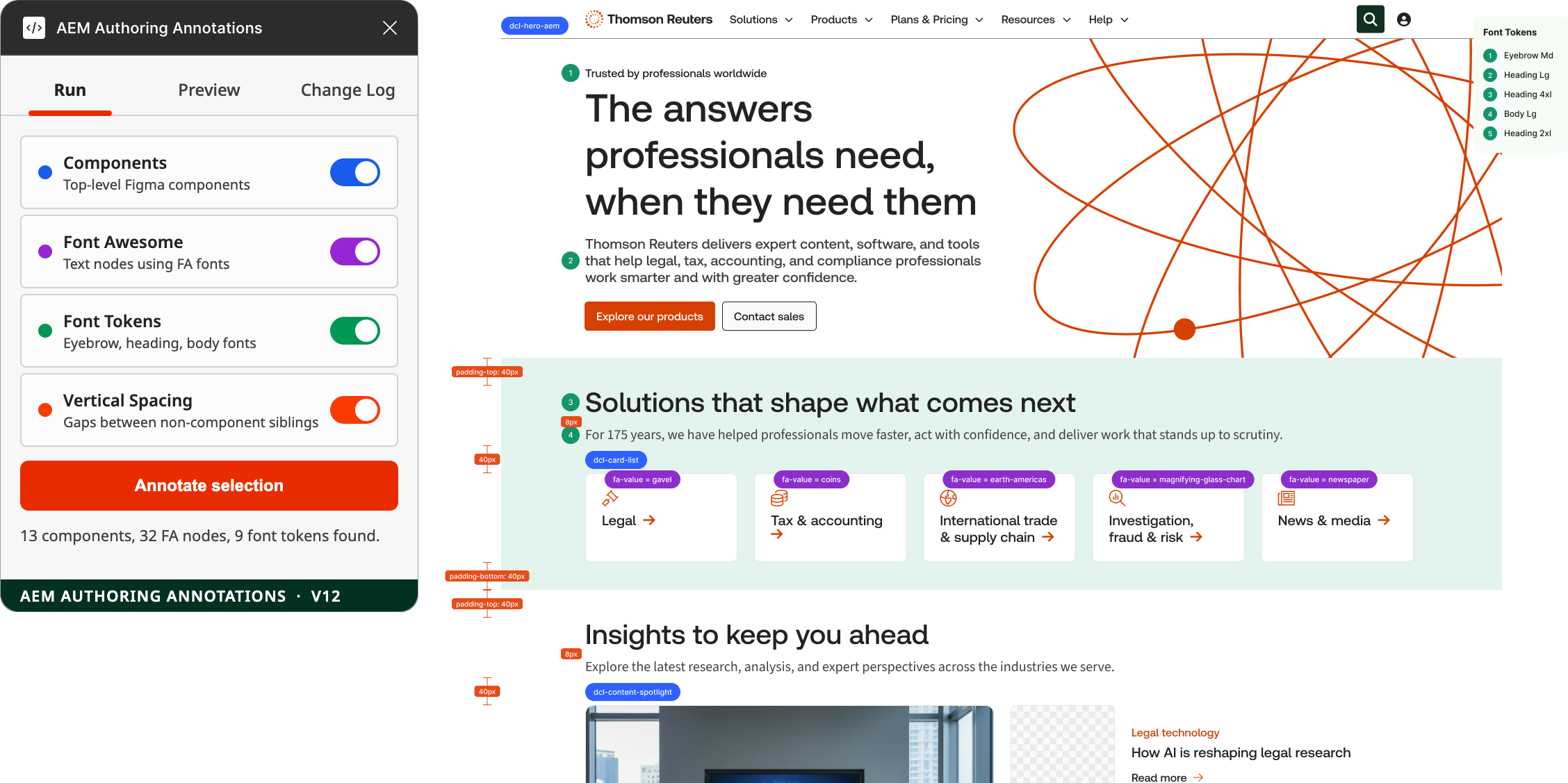
I used Claude AI to build a custom Figma plugin that automates the annotation process, labeling components, Font Awesome icons, font tokens, and vertical spacing directly on the canvas.
The scope
Annotating page designs for handoff to AEM authors was slow and repetitive. Every component, icon, font token, and spacing value had to be labeled by hand before a design was ready to build.
The results
The plugin saves 1 to 2 hours per page on every handoff. Time that used to go entirely into manual labeling now goes into actual design work.
Version History
This plugin went through 12 versions, each one solving a real problem I hit while using it myself.
V1: Initial release
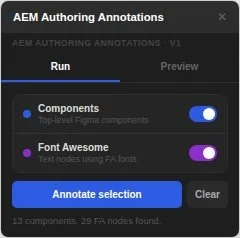
Started simple. The plugin could annotate Figma components and Font Awesome icons, placing a labeled pill above each one. Everything got grouped into a single, hideable frame so annotations never cluttered the working file.
V2: Visibility filter
Fixed an early annoyance: hidden layers were getting annotated even though no one would ever see them. The plugin now checks the full layer hierarchy and skips anything inside a hidden group.
V3: Component appearance
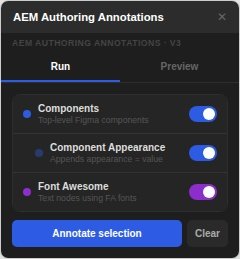
Added a way to capture a component's appearance property directly in the label. This version also dropped the number badges in favor of clean, text-only pills.
V4: Non-destructive annotating
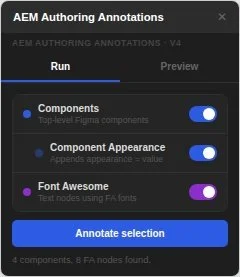
Fixed a critical bug. Annotating a new selection used to wipe out annotations already on the page. Now each run adds its own frame independently, leaving everything else untouched.
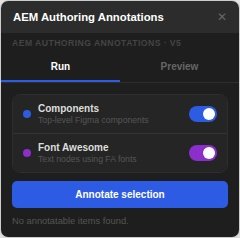
V5: Simplified to two options
Pulled the component appearance feature back out. It wasn't surfacing accurate data, and a plugin that gives wrong information is worse than one that gives less of it. Simplicity won here.
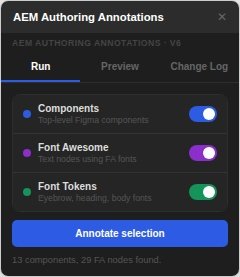
V6: Font tokens and change log
Added font token detection for eyebrow, heading, and body text styles, along with a change log tab so I could track what shipped in each version without leaving Figma.
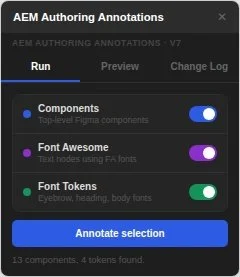
V7: Font token detection fixed
Rebuilt how font tokens get detected, reading the actual applied text style instead of guessing from font family. This fixed token names that weren't matching correctly.
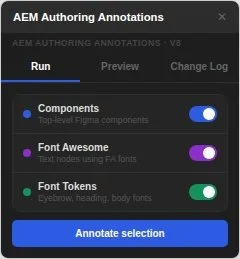
V8: Circle placement and legend sizing
Refined the visual details. Font token markers moved to sit beside their text node instead of above it, and the legend resized itself to fit its content instead of using a fixed width that didn't always work.
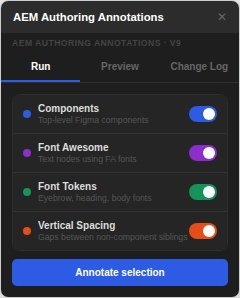
V9: Vertical spacing added
Added a fourth annotation type: vertical spacing. The plugin now draws labeled dimension lines between elements, automatically skipping zero-pixel gaps and anything inside a component.
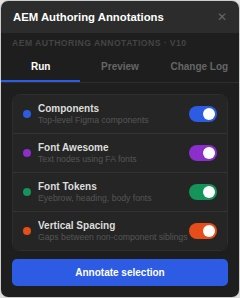
V10: Vertical padding included
Extended the spacing feature to cover padding inside auto-layout frames, not just the gaps between elements.
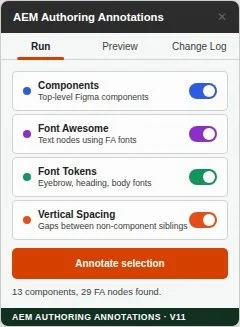
V11: Light UI redesign
Redesigned the plugin's interface from a dark theme to a light one, matching it more closely to Figma's own visual language and giving it a more polished, intentional feel.
V12: Font token name formatting (current)
Cleaned up how token names display, turning raw values like type/heading/default/lg/strong/standard into clean, readable labels like "Heading Lg."